Create a Wallet
Download TronLink or another wallet app for free from the App Store or Google Play. On a desktop computer, install the Google Chrome extension from tronlink.org.



My name is Boo, the first original dog on the TRON network. Life is good.




Boo is a Pomeranian born on March 16, 2006, and many call him the world’s cutest dog. His teddy-bear look and huge wardrobe won the hearts of millions of people around the world.
His fame started in 2009, when his owner posted his first photo. Boo grew from a lively puppy into an internet star with more than 14 million Facebook followers. He lived in San Francisco, appeared on TV and even had his own book.

Download TronLink or another wallet app for free from the App Store or Google Play. On a desktop computer, install the Google Chrome extension from tronlink.org.
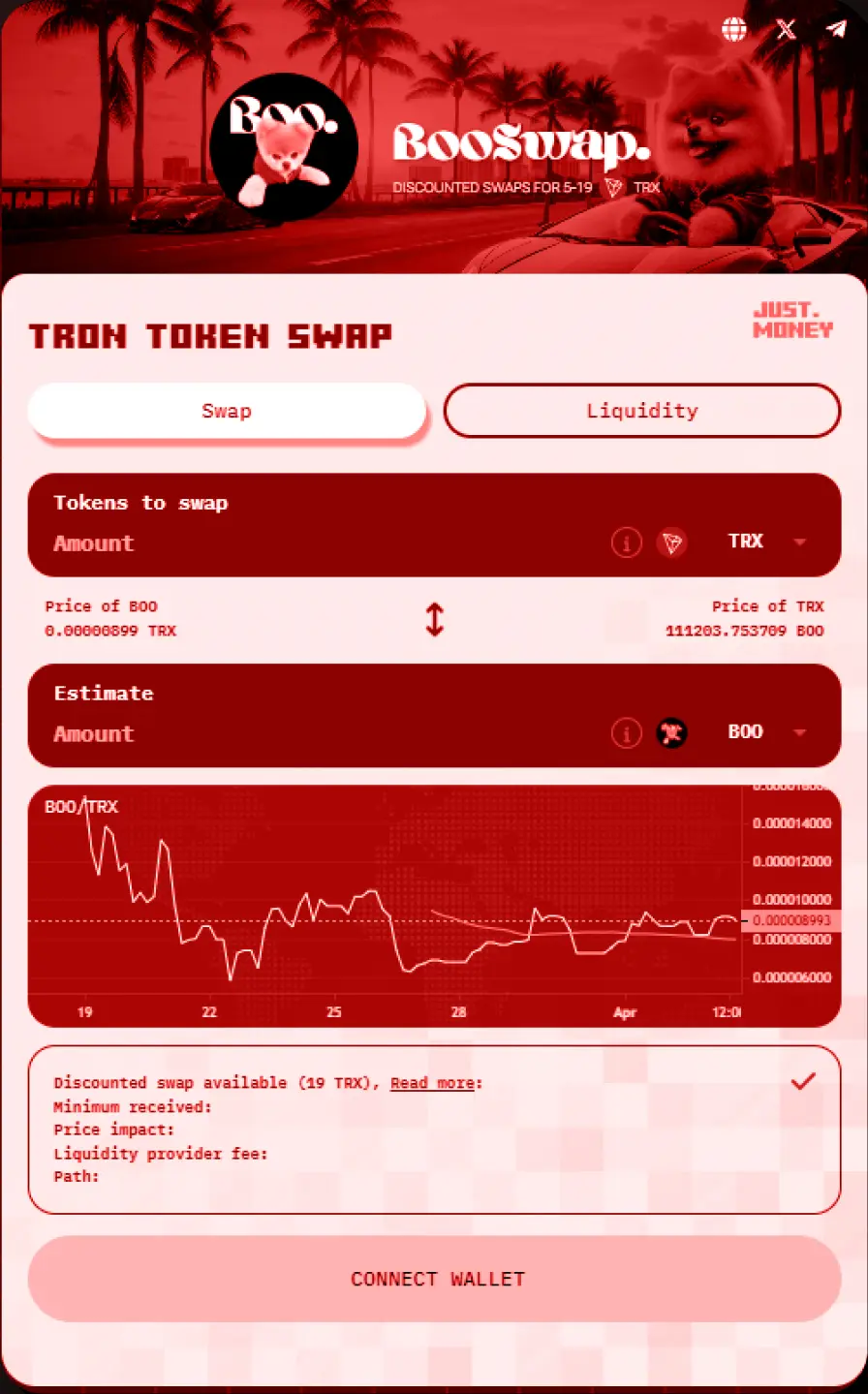
You need TRON in your wallet to swap it for $BOO. If you don’t have any, buy it directly in TronLink, transfer it from another wallet, or buy it on another exchange and send it to your wallet.
Check that the TRON is already in your wallet. If it isn’t, buy it in TronLink, move it from another wallet, or buy it on another exchange and send it over.
Use our contract address when you swap TRON for $BOO. You may need to set slippage to +1.5% so the transaction goes through at the best price.